
POWERSCADA
MCP AI Assistant Integration
MCP (Model Context Protocol) is a standard interface that lets AI assistants call tools in external systems. The PowerScada back end has a built-in MCP service: connect your own MCP-capable AI client to the device and the AI can read the project, build screens, configure communication and alarms and check system status directly.
It removes the repetitive labor of engineers creating tags and screens and checking device status one item at a time: hand the AI a tag list in Excel and it creates the channels, devices, tags, alarm rules and trend tables in one go.
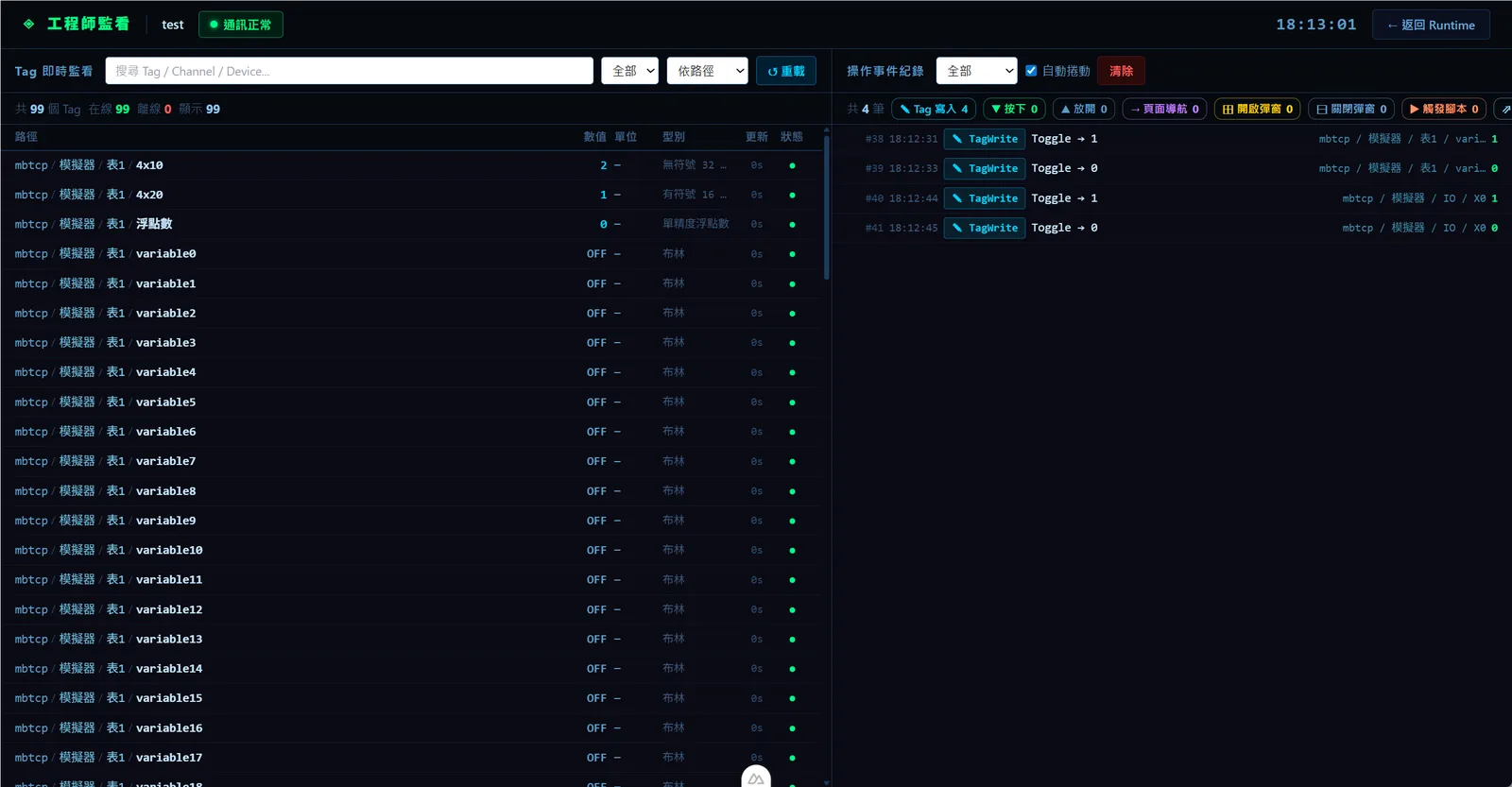
What the AI can do
There are 262 tools in 35 categories, mirrored automatically from the back-end API, so they match the editor's capabilities. Each tool description is marked "read-only" or "destructive", and update tools read the current values, merge and then write, so fields you did not mention are never reset to defaults.
- Read projects: project list, page index (number, name, component count), single page content, project settings and project export.
- Build screens: create projects, add or overwrite a single page, rename, move and swap page numbers (references are remapped automatically), composite components, image upload, built-in library search, fonts and the multi-language dictionary.
- Configure communication: create, edit and delete channels, devices, tables and tags with Excel import and export; BACnet scanning and object import; OPC UA node browsing; tag writes; restart communication; Modbus and OPC UA server settings.
- Alarms and trends: alarm tables and rules (including bulk), acknowledge states, active and historical alarm queries, acknowledgment; trend tables and tags, history queries and Excel export.
- Automation: create, validate, trigger and restart scripts; create and run schedules immediately; background tasks; report template upload.
- Check status: system information and license health, CPU, memory, disk and network, communication status, per-channel status, online clients, storage space, HA status, update history and the operation log.
- Site operations: deploy, stop the runtime, switch the on-site screens to a page immediately, camera and VNC connection tests, USB file lists, and event recording clip queries and protection.
Security and traceability
The MCP endpoint is the /mcp path on the back end's own port, with Basic authentication using a system account of the Engineer role or higher. Every MCP operation is written to the operation log for later tracing.
- For a project with a project protection password, the AI must unlock it before reading or writing the design.
- Deployment verification in evaluation mode is enforced on the back end and cannot be bypassed by the AI.
- Tools restricted to Admin or Engineer (HA settings, storage space, reboot, shutdown, user management) are blocked by role.
- Sensitive interfaces such as login, license renewal, deployment verification and project unlock are deliberately not exposed as tools.
Screenshots
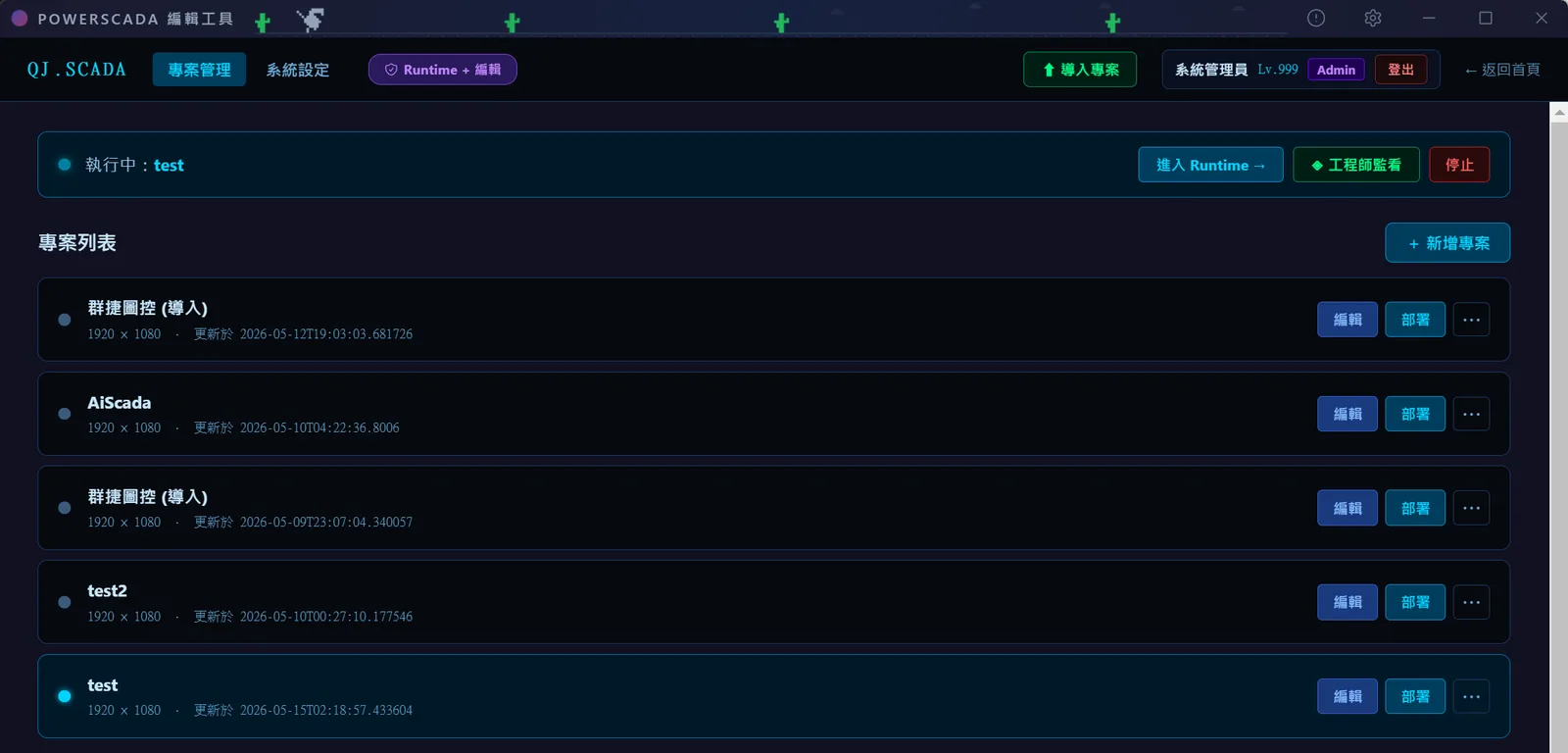
How to set it up
- 1Prepare a system account with the Engineer role or higher on the device.
- 2In your own AI client (for example Claude Code or another MCP-capable tool), add an HTTP MCP server at http://<device IP>:7050/mcp with Basic authentication using that account.
- 3Once connected, use the overview and search tools first to understand the project and the available tools, then call the tools that need a project ID.
- 4Read before writing, for example fetch a page before saving it; unlock protected projects with the password first.
- 5Afterwards, review every operation the AI made in the operation log.
FAQ
FAQ
Do I need to install a separate MCP server?
No. The MCP service is built into the back-end process and served on the /mcp path of the back end's own port; just enter the address and credentials in your own AI client.
Could the AI delete or overwrite settings by mistake?
Tool descriptions are clearly marked "destructive" so the AI client can confirm before running them; update tools read the current values, merge and then write, so fields that were not mentioned are never reset to defaults; and every operation goes into the operation log. Take particular care with the full-page-overwrite tool and use single-page save instead.
Can I use the AI assistant without buying a license?
MCP is a licensed item and is not among the features opened free in evaluation mode (3D, camera streaming, trends, alarms, scripts); please contact us for plan details.